
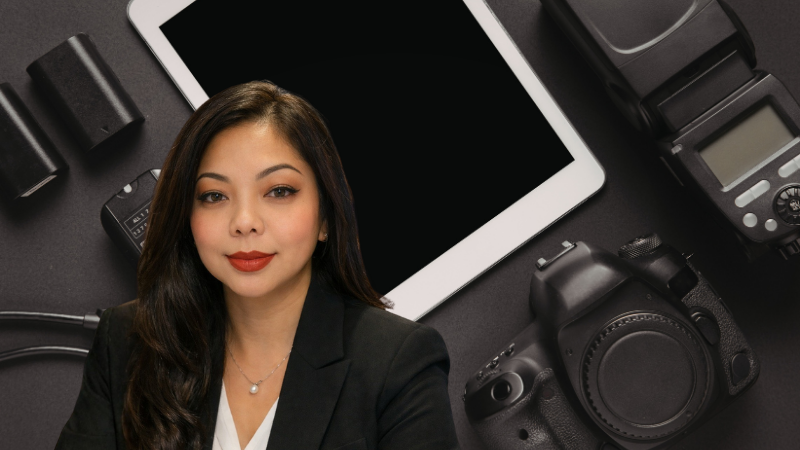
Budget-Friendly Video, Audio, and Accessories
Corporate eLearning teams often need to produce high-quality training videos and multimedia on tight budgets. The right content development tools help you create branded assets with real employees, improve production value, and speed up your workflow.
Today, we can use AI to fill in missing shots and even make full animations. But we should use this sparingly, as it can sometimes appear fake and cause feeling of unease and deception.
As the queen of keeping things below budget, here are some of my recomendations.
Quick recommendations (summary)
- Best budget camera: Your current smartphone (modern flagship preferred)
- Must-have stabilization: Tripod for locked shots, gimbal for movement
- Storage: SSD Cards for all your captures and b-roll
- Most important upgrade: A lavalier microphone for clearer dialogue
- Best for visual variety: A portable green screen for virtual backgrounds
1) Smartphone camera setup (best value for corporate eLearning)
If you already use stock photos, stock video, and stock audio, the next step is capturing your own branded content using actual employees. For most teams, a phone-based setup is the most cost-effective path to professional results.
Recommended phone camera
A modern phone with strong video features will cover most training scenarios, including talking-head videos, screen demos filmed in real environments, and short internal announcements.
- Samsung S23 (example option): features a 200 MP rear camera and strong video quality for the price.
Essential phone accessories
These accessories matter more than the phone model in many situations:
- Phone tripod: Keeps framing consistent and prevents shaky footage. Essential for talking-head training videos.
- Phone gimbal: Adds smooth motion for walk-and-talk segments, facility tours, and dynamic b-roll.
- USB-C lavalier microphone: Improves voice clarity and reduces ambient noise compared to the built-in mic.
Filming tips that improve training video quality
- Keep the subject fully in frame with a little headroom.
- Choose landscape vs portrait deliberately. Landscape is usually best for learning management systems (LMS), desktop viewing, and easier repurposing.
- Record in a quiet space and keep the microphone close to the speaker.
Budget cameras (optional upgrades)
If your team needs interchangeable lenses, long recording sessions, or more control over exposure and depth of field, a dedicated camera can help. If you do not need those features, your smartphone is typically enough.
- Camera Model 1 (placeholder): Look for reliable autofocus, clean 1080p or 4K video, and good low-light performance.
- Camera Model 2 (placeholder): Prioritize ease of use, dependable battery life, and consistent color for corporate branding.
2) Stabilization and storage accessories
Tripod (non-negotiable)
A sturdy tripod is the most important accessory for:
- Instructor-style training videos
- Role-play scenarios
- Interview setups
- Consistent shots across modules
Stabilizer (for motion)
A budget stabilizer or gimbal helps create polished footage when you need movement, such as:
- Onboarding tours
- Safety walk-through videos
- Behind-the-scenes clips
Camera bag (protect your investment)
A padded camera bag or case protects gear during travel and makes it easier to keep your kit organized for repeatable production. Here’s a waterproof one.
3) Storage for Space and Security
This is the one area you shouldn’t skimp on. You do not want to lose all the valuable footage you’ve caught. Plus your going to want to work off your computer for space and speed. For filmmakers, external SSD hard drives are often the best storage choice because they combine high speed, large capacity, and portability. Unlike traditional spinning hard drives, SSDs can transfer huge video files quickly and handle demanding formats like 4K or RAW footage without slowing down. Modern portable SSDs commonly reach read/write speeds around 1,000 MB/s or more, making them ideal for editing and transferring large media files. Samsung T7 is has got great reviews.
4) Microphones (audio quality is the biggest trust signal)
In eLearning, audio clarity often matters more than video sharpness. If learners cannot understand the speaker, they lose trust quickly and disengage. I wouldn’t skimp on this either.
- DJI Mic Mini: Amazon best seller.
- Hohem Mic-01 : Noise cancelling with 328ft range,
Practical tip: If you only buy one item beyond a phone tripod, buy a lavalier microphone.
5) Green screens (fast way to scale scenarios)
A portable green screen lets you create:
Consistent branded backgrounds
Simulated work environments
Repeatable visuals for multi-module courses
Green Screen Model 1 (placeholder): Prioritize wrinkle resistance, portability, and enough surface area for your framing.
The best bang for your buck is this green screen here.
Conclusion
For corporate eLearning developers, the best budget-friendly toolkit starts with a smartphone camera, then adds stabilization and a lavalier microphone for immediate quality gains. If your training content requires more advanced control, you can later upgrade to a dedicated camera, add a green screen, and expand your audio options.
Affiliate disclosure: As an affiliate partner, we may earn a commission from qualifying purchases made through the links provided.