
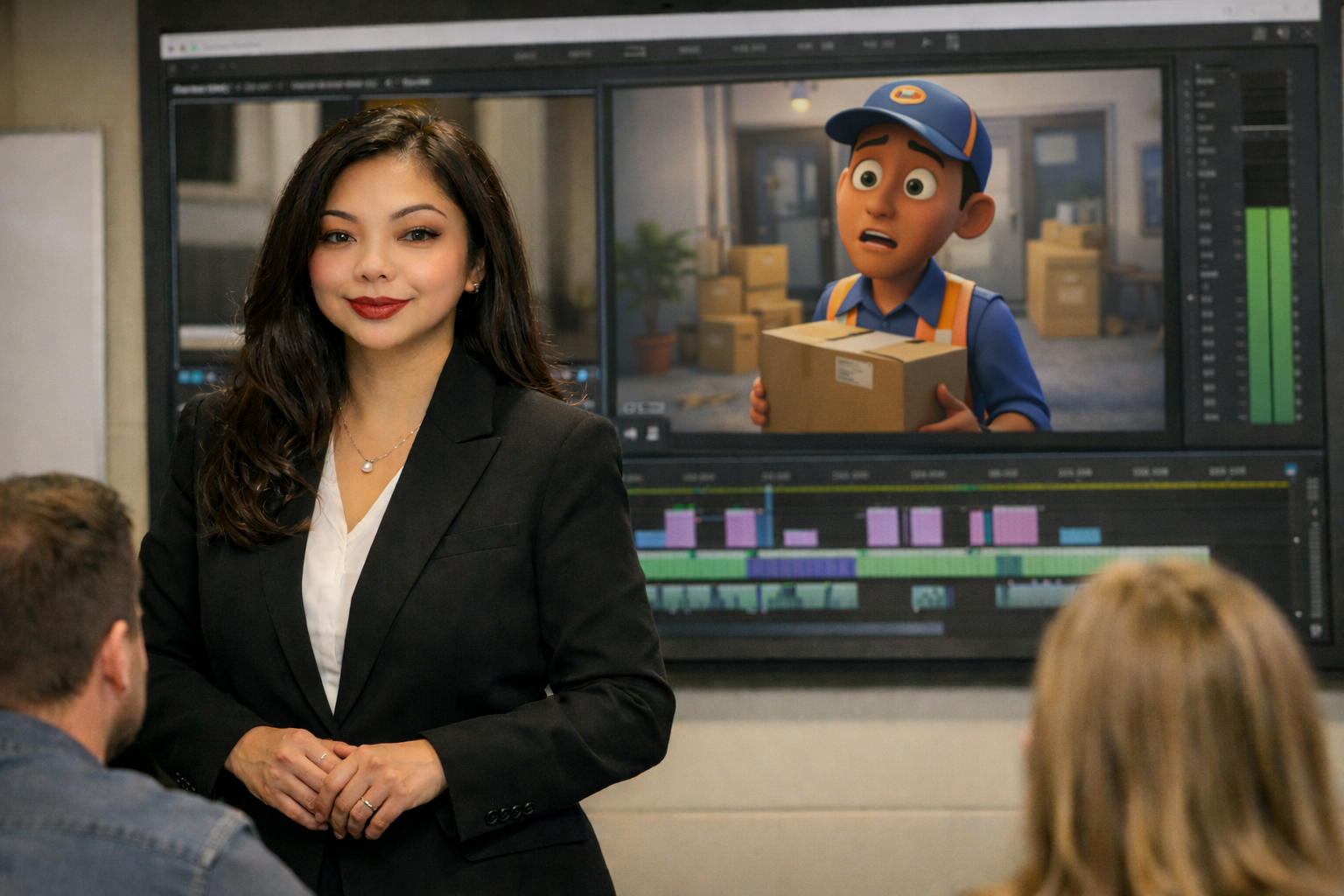
AI video production for business is the fastest way for corporate training managers to create more training content without multiplying budgets or vendor timelines. Instead of paying per finished second like traditional animation or agency video, you can use an AI animation workflow to turn existing training materials (slides, SOPs, screen recordings, and scripts) into consistent, branded modules in days, not weeks. In practical terms, AI helps you produce repeatable formats: onboarding videos, compliance refreshers, product updates, microlearning clips, and scenario training that can be versioned quickly when policies change. The result is a measurable reduction in cost per minute, faster rollouts, and fewer “stale content” risks. If you need a corporate training video library that stays current across regions and roles, AI is now the most efficient production model.
Why AI video production is suddenly a training manager’s advantage
Training teams have been asked to deliver more content, to more audiences, with more consistency. Meanwhile, production has traditionally been constrained by three bottlenecks:
- Cost per asset: a single, polished 30 second animated clip can be quoted like a premium commercial.
- Cycle time: even minor updates force re-recording voiceovers, re-editing timelines, and re-exporting.
- Coordination overhead: SMEs, legal, brand, and regional stakeholders create review loops that extend timelines.
AI does not eliminate the need for instructional design or stakeholder review, but it changes the economics of iteration. Instead of treating each new video as a custom project, you build a repeatable system that generates training outputs on demand.
A quick story from the budget reality check
In 2021, I worked with a team where a VP wanted Disney-quality animation without the Disney budget. The quote that landed on the table: $5,000 per 30 second clip for short animated segments. Multiply that across onboarding, safety, and product training and you quickly arrive at a number that training budgets rarely survive. That moment clarified the real requirement: not “Disney,” but clear, consistent, on-brand training at scale. AI video production for business is the first approach that makes that requirement realistic without sacrificing quality where it matters: comprehension and adoption.
What “AI video production for business” actually includes
AI in video production is not one tool. For training teams, it usually combines several capabilities into one workflow:
- Script generation and rewriting from SMEs notes, SOPs, or policy documents, including tone and reading level control.
- AI voice for fast narration in multiple languages and accents, with consistent pacing.
- Avatar or presenter video for talking-head style modules without scheduling talent.
- AI-assisted editing for cutting, pacing, captions, and versioning.
- AI animation workflow using templates, motion libraries, and text-to-motion where appropriate.
- Localization with translated scripts, dubbed audio, and region-specific overlays.
The strategic shift is moving from “produce a video” to “build a production line” that serves your learning ecosystem.
Where AI saves the most time and money for corporate training video
Not every training asset should be AI-first. The biggest wins come from high-volume, frequently updated content.
1) Onboarding and role-based ramp
Onboarding tends to sprawl across departments, and it breaks whenever systems or org charts change. AI allows you to modularize onboarding into short segments and update only the impacted modules. That reduces rework and keeps new hires from learning outdated processes.
2) Compliance refreshers and policy updates
Compliance does not need cinematic production, but it does need clarity, consistency, and traceability. AI enables faster turnaround when regulations change, while maintaining standardized voice, captions, and visual structure for audit-readiness.
3) Product and process updates
For internal enablement, screen-based training plus AI narration is often enough. AI accelerates script creation, builds clear callouts, and generates multiple cut-down versions for different roles.
4) Microlearning libraries
If you are building a library of 1 to 3 minute lessons, the “per asset” pricing of traditional video becomes your enemy. AI’s advantage is not one perfect video. It is 50 good videos that stay current.
A practical AI animation workflow for training teams
Below is an AI animation workflow that works well for corporate training video production without turning your team into a studio. It is designed around repeatability, reviewability, and brand consistency.
Step 1: Define the training objective and measurement
Before tools, lock in what success means:
- Behavior change (what should learners do differently?)
- Assessment target (quiz score, simulation completion, manager sign-off)
- Operational KPI (ticket deflection, reduced errors, faster ramp, fewer incidents)
This prevents “polished but pointless” videos.
Step 2: Build a script from source of truth
Feed the AI your source materials: SOPs, internal docs, policy pages, and SME notes. Prompt for:
- Plain-language explanations
- Common mistakes and misconceptions
- Scenario examples
- One clear call to action per module
Then run a human review for accuracy and policy alignment. AI speeds drafting. Humans own correctness.
Step 3: Choose a repeatable content format
Pick one of these formats based on the lesson type:
- Screen + narration for systems training
- Motion graphics for process and concept training
- Avatar presenter + slides for consistent delivery across modules
- Scenario vignette for leadership and customer interactions
Repeatable formats reduce creative debate and accelerate approvals.
Step 4: Apply brand templates and accessibility standards
Create templates once, then reuse:
- Intro/outro, lower thirds, title cards
- Font and color tokens
- Caption style and placement
- Audio loudness and pacing guidelines
Accessibility is non-negotiable for corporate training video: captions, readable contrast, and clear audio.
Step 5: Generate voice and visuals, then assemble
Use AI voice for speed, then match the visuals to the narration. For animation, keep motion purposeful: highlight steps, show cause-and-effect, or reinforce key terms.
Step 6: Versioning and localization
Design the project so you can swap:
- Language track
- Region-specific policy or terminology
- Product UI screenshots
- Role-based callouts
AI is particularly strong at reducing the cost of localization, which is often where training budgets collapse.
Step 7: Deploy with feedback loops
Publish to your LMS or LXP with tracking, then gather feedback:
- Drop-off points
- Quiz item analysis
- Search terms learners use
- Manager feedback from the field
Use that data to tighten scripts, shorten sections, and clarify confusing steps. This is where AI iteration shines.
What Most People Get Wrong
Most teams adopt AI video production for business like a shortcut to “more videos.” That creates three predictable problems:
- They optimize for output, not outcomes: a higher volume of videos does not mean better performance. If objectives are unclear, you scale confusion.
- They skip governance: without templates, review rules, and a single source of truth, the library becomes inconsistent and risky.
- They chase realism over clarity: trying to emulate high-end animation often slows production and adds cost without improving learning transfer.
The better approach is to treat AI as a way to standardize quality and accelerate iteration, not as a replacement for instructional design.
How to justify AI video production to stakeholders
Training managers often need to justify new production approaches to HR, Ops, Legal, or Finance. Here are arguments that land well:
Cost per minute and cost per update
Traditional video is expensive to update. AI-driven workflows reduce update cost dramatically because narration, captions, and on-screen text can be regenerated without reshooting.
Time-to-train and time-to-change
If your organization changes processes frequently, the real risk is training lag. AI reduces the time between “policy changed” and “training published.”
Consistency across regions and trainers
AI-generated narration and templated visuals create consistent delivery across locations. That helps reduce operational variance and supports fairness in training.
Localization economics
Multi-language training is often delayed or skipped due to cost. AI translation and voice can make localization a default rather than a special project.
Quality control: the non-negotiables for training credibility
AI makes production easier, which is why you need stricter guardrails. Use this quality bar for every corporate training video:
- Accuracy: SME sign-off for procedures, compliance, and terminology.
- Clarity: one objective, one main takeaway, minimal jargon.
- Chunking: keep modules short; aim for 3 to 7 minutes unless a workflow demands longer.
- Accessibility: captions, readable fonts, contrast, clean audio.
- Brand and tone: consistent intro, terminology, and visual style.
- Data privacy: no sensitive information in prompts, screenshots, or shared project files.
Actionable checklist: launching AI video production in 30 days
Use this checklist to move from experimentation to a repeatable system.
- Select 3 pilot modules (high volume, low risk): onboarding basics, a common SOP, and a policy refresher.
- Create a script template: objective, context, steps, knowledge check, recap.
- Define brand standards: fonts, colors, title cards, lower thirds, caption style.
- Set review workflow: SME accuracy review, compliance review (if needed), final training lead approval.
- Decide on formats: screen + narration for apps, motion graphics for concepts, avatar for consistency.
- Build your AI animation workflow: storyboard prompts, asset library, motion template set, export settings.
- Establish voice rules: pacing, pronunciation list, forbidden phrases, inclusive language guidelines.
- Implement accessibility: captions on by default, minimum font size, contrast checks.
- Set measurement: completion, drop-off, quiz results, and one operational KPI tied to the training.
- Create a versioning plan: naming convention, update log, review cadence, and ownership.
Here’s an example of a video made with AI, staring an animated version of me with my voice over.
When you should still use traditional production
AI is not the best choice for everything. Consider traditional production when:
- You need executive messaging with high reputational stakes
- You are filming real environments for safety, equipment, or physical procedures
- You need authentic customer scenarios with nuanced acting
A hybrid approach is common: AI for the scalable library, traditional video for flagship pieces.
Get a custom plan and sample module
If you want to implement AI video production for business in a way that is controlled, measurable, and brand-consistent, I can help you stand up a repeatable workflow and prove value quickly.
- Free 20 minute consult: map your training catalog to the best AI-friendly formats.